
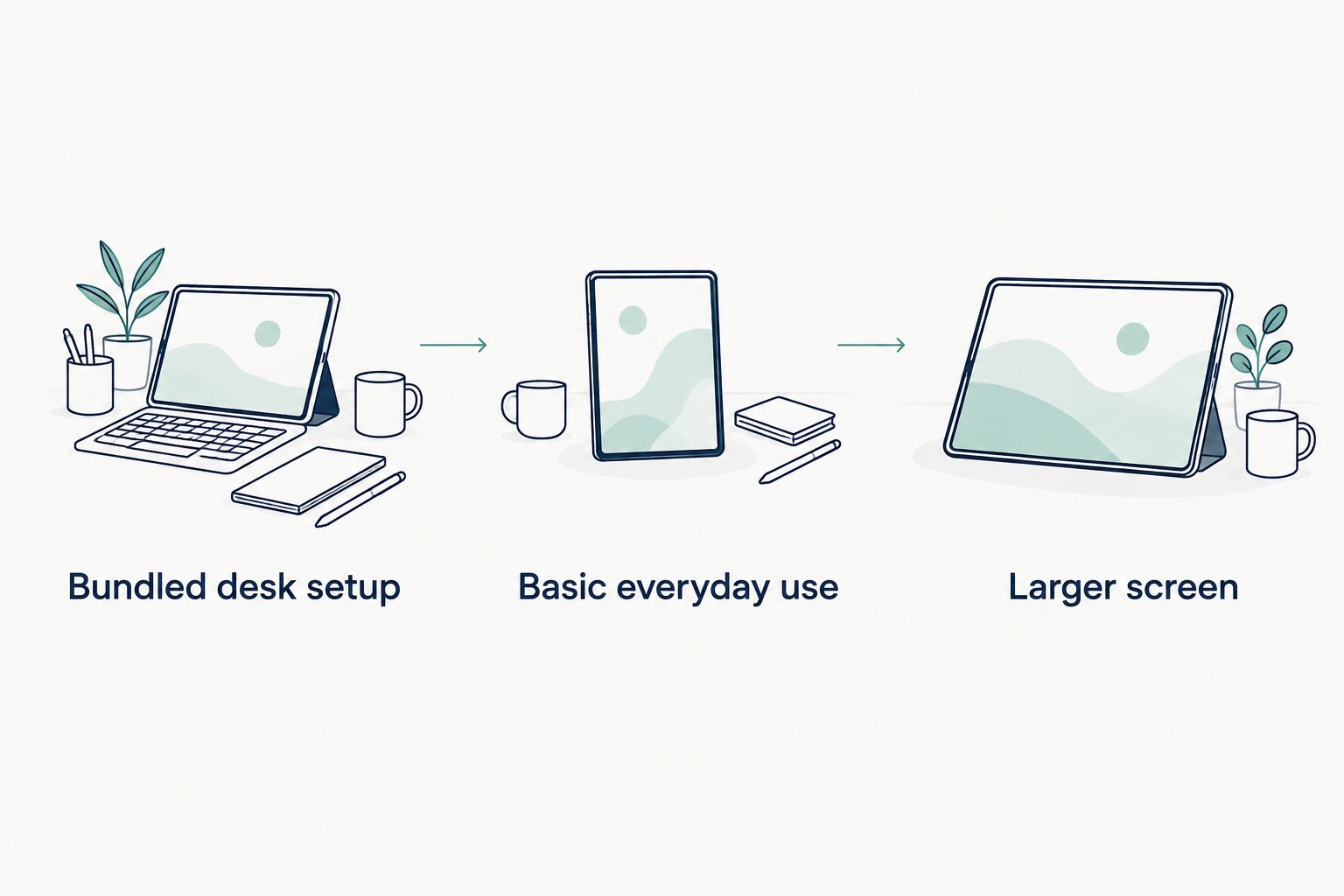
Best for a bundled desk setup: G140L. Best for basic everyday use: BAKEN 2026 Model Tablet. Best for a large screen between the two sizes: DOOGEE U13. Choose your cheap Android tablet by what you’ll do with it—not the biggest memory number in the title.
- The G140L is the best cheap Android tablet shortlist pick for shoppers wanting a keyboard-and-mouse bundle.
- The BAKEN 2026 Model Tablet suits basic browsing, with a 10-inch screen and 64GB storage.
- The DOOGEE U13 suits shoppers wanting a 13-inch screen and 256GB storage.
- Compare physical RAM separately from virtual memory, and check app compatibility before choosing.
Why this matters
A tablet for recipes and email needs a different checklist from a tablet you’ll use with a keyboard. Start with that difference, then compare the details that affect your day.
Thestoretosee’s cheap Android tablet shortlist is best for everyday shoppers comparing screen size, storage, and included accessories. You can browse Thestoretosee after narrowing down what you need.
What makes the best cheap Android tablet?
Use these five checks before choosing a tablet in 2026:
- Everyday fit: Decide whether you’ll mostly browse, watch videos, read, or type. Don’t buy a keyboard bundle unless you’ll use it.
- Screen size: Compare the space you want on screen with the space the tablet takes up in your hands or bag.
- Physical memory: RAM is the memory used by running apps. Keep physical RAM separate from storage-based virtual memory.
- Storage: This holds apps, downloads, photos, and other files. Check expansion support separately rather than assuming a memory card will work.
- Software and accessories: Confirm your essential apps, the update policy, and exactly what comes with your chosen version.
A newer Android version does not, by itself, establish a longer update commitment. A larger battery capacity does not establish longer running time either; screen size, settings, and usage also matter.
Best cheap Android tablets at a glance
These 2026 picks cover different shopping needs. The comparison uses the supplied product listings, not hands-on performance or battery testing.
| Tablet | Best for | Standout listed feature | Key limitation or check |
|---|---|---|---|
| G140L Android 15 tablet | Bundled desk setup | 14.1-inch screen, 256GB storage, keyboard and mouse bundle | Largest screen here; the 30GB memory headline combines components |
| BAKEN 2026 Model Tablet | Basic everyday use | 10-inch screen, Android 16, 64GB storage | 3GB physical RAM; the remaining advertised memory is virtual |
| DOOGEE U13 tablet | A large screen between the other two sizes | 13-inch screen and 256GB storage | Confirm the 6+26 memory breakdown and exact package contents |
Pick your main use first
- Bundled desk setup: Choose the G140L if the included keyboard and mouse solve a real need.
- Basic everyday use: Start with the BAKEN model for browsing, email, recipes, and simple apps.
- Larger screen: Compare the DOOGEE U13 if 10 inches feels small but 14.1 inches feels excessive.
The right choice starts with your main use, not a longer accessory list. Keep those three shopping routes separate when you compare listings.
1. G140L: best Android tablet for a bundled desk setup
The G140L pairs a 14.1-inch display with a listed keyboard, mouse, stylus, earbuds, protective case, and charger. It is the clearest fit here if you want a tablet setup for a table or desk rather than a screen alone.
The listing specifies Android 15, a 1920 × 1200 display, and 256GB storage. Those are useful comparison points, but they do not establish how quickly your particular apps will run.
G140L pros:
- The keyboard and mouse belong in the listed bundle, making this the most direct match for that shopping need.
- The 14.1-inch display gives you the largest screen in this comparison.
- The 256GB storage figure gives you more listed storage than the BAKEN model.
G140L cons:
- The largest screen is a trade-off if you mainly want something to hold while reading.
- The 30GB memory headline includes a 6+24 split; don’t treat the full headline as physical RAM.
- An included stylus does not establish pressure sensitivity or suitability for detailed drawing.
Best for: Shoppers who specifically want a large Android tablet with keyboard and mouse accessories.
Before choosing, check whether your usual tasks work in Android apps or a browser. A keyboard changes how you type; it does not turn Android into a desktop operating system.
Verdict: Buy the G140L for the bundle—not as an assumed laptop replacement.
2. BAKEN 2026 Model Tablet: best Android tablet for basic use
The BAKEN 2026 Model Tablet has a 10-inch display, Android 16, and 64GB storage. Its listed 1280 × 800 resolution and 3GB physical RAM put the focus on straightforward everyday tasks rather than a crowded multitasking setup.
This is the sensible starting point if your shopping list says recipes, email, browsing, and simple apps. Keep those expectations clear when comparing it with the larger models.
BAKEN 2026 Model Tablet pros:
- The 10-inch screen is the smallest option in this shortlist.
- The title explicitly separates 3GB physical RAM from 9GB virtual RAM.
- The listing identifies both front and rear cameras.
BAKEN 2026 Model Tablet cons:
- The 3GB physical RAM figure is a reason to keep multitasking expectations modest.
- The 64GB storage gives you less room for downloads than the two 256GB options.
- The 1280 × 800 display has fewer pixels than the G140L’s listed display.
Best for: Everyday shoppers who want a basic tablet rather than a larger desk setup.
Check your must-have apps before buying. Also check whether your intended downloads fit the storage you’ll have left after the operating system and installed apps.
Verdict: Buy the BAKEN model for simple use; skip it if heavy multitasking is essential.
3. DOOGEE U13: best Android tablet for an in-between large screen
The DOOGEE U13 lists a 13-inch screen, Android 16, and 256GB storage. It sits between the other tablets on screen size, making that the most useful reason to shortlist it.
The listing also names Widevine L1, a content-protection level used for protected streaming. That label alone does not guarantee a particular resolution in every streaming service.
DOOGEE U13 pros:
- The 13-inch screen offers a distinct middle choice between 10 and 14.1 inches.
- The listed 256GB storage matches the G140L’s storage figure.
- Widevine L1 is identified in the product listing.
DOOGEE U13 cons:
- The 32GB headline includes a 6+26 split; confirm which part is physical RAM and which part is virtual memory.
- A 13-inch screen is still a large choice for handheld reading.
- “2 in 1” wording is not a substitute for checking the exact accessories included.
Best for: Shoppers who want a larger screen without choosing the largest tablet here.
If streaming is your main reason to buy, check support for the exact service you use. Treat screen size, service compatibility, and resolution as separate checks.
Verdict: Buy the DOOGEE U13 for its screen size and storage, not its headline memory total.
Check these details before you shop
A quick listing check can prevent a mismatched purchase. Focus on the details you’ll notice every day.
Memory and storage
- Physical RAM: Compare this first when assessing memory.
- Virtual RAM: This uses storage to supplement memory; it is not equivalent to the same amount of physical RAM.
- Storage capacity: Leave room for apps and system files, not just your own downloads.
- Expansion: Confirm card support and capacity limits for the exact model.
Screens and accessories
- Screen size: Think about where you’ll hold or place the tablet.
- Display resolution: Compare it separately from screen size; a larger screen does not automatically mean a sharper picture.
- Case fit: Match the exact model, camera openings, and buttons—not just the diagonal measurement.
- Keyboard and stylus: Confirm both inclusion and compatibility. Don’t assume optional accessories are in the box.
Apps and software
- Essential apps: Check the apps you actually use, especially streaming and video-calling services.
- Updates: Look for a stated software and security update commitment.
- Desktop tasks: Confirm that any required software has an Android or browser version.
For these Thestoretosee tablet picks, the most useful next step is comparing the exact version you intend to order. Similar-looking titles do not make different configurations interchangeable.
Shop the basic-use or bundled option
The BAKEN model and G140L serve different needs. Choose the smaller screen for a basic-use shortlist, or the larger bundle when the included accessories matter to you.


How these tablets were ranked
This 2026 Thestoretosee shortlist ranks the supplied tablets by everyday fit, screen size, memory clarity, storage, and listed accessories. Each recommendation has a separate use case; the order is not a claim that one tablet wins every performance comparison.
Battery capacities are not treated as tested running times. Android version numbers are not treated as update guarantees, and combined memory headlines are not treated as physical RAM totals.
Which cheap Android tablet should you choose?
Choose the BAKEN 2026 Model Tablet if you’re undecided and only need basic everyday use. Start there, then move to a larger option only when you can name the extra screen space, storage, or accessories you need.
Choose the G140L for the bundled desk setup. Choose the DOOGEE U13 when its 13-inch size is the deciding factor. Shop technology at Thestoretosee with that one priority in mind.
FAQ
What’s the best cheap Android tablet for basic everyday use?
The BAKEN 2026 Model Tablet is this shortlist’s pick for basic everyday use. Its 10-inch screen, 3GB physical RAM, and 64GB storage make simple browsing and apps the appropriate buying focus, rather than heavy multitasking.
Which tablet should I choose if I want a keyboard bundle?
The G140L is the shortlist pick for a keyboard-and-mouse bundle. Its listing also names a stylus, earbuds, protective case, and charger; confirm the exact configuration before ordering.
Is 12GB advertised RAM the same as 12GB physical RAM?
No, an advertised combined total is not the same as physical RAM. The BAKEN model lists 3GB physical RAM plus 9GB virtual RAM, so compare the 3GB figure when assessing its physical memory.
Is a 13-inch tablet better than a 10-inch tablet?
A 13-inch tablet is better when you specifically want more screen space, not automatically better overall. The DOOGEE U13 supplies that larger-screen option here, while the BAKEN model has the smaller 10-inch display.
Does Widevine L1 guarantee high-definition streaming?
Widevine L1 alone does not guarantee high-definition playback in every streaming app. Check the service’s support for the exact tablet, along with any subscription and playback requirements.
Can a cheap Android tablet replace my laptop?
An Android tablet can cover tasks that work in your Android apps or browser, but it does not run desktop software simply because you attach a keyboard. Check every essential task before choosing a tablet as your only computer.
Will a case for another tablet fit if the screen size matches?
Matching screen size does not establish case compatibility. Check the exact tablet model, body dimensions, camera openings, button placement, and attachment method.
One last thing
An included stylus is not proof of drawing-tablet features. If handwritten notes or sketching drive your 2026 purchase, confirm active-pen support, palm rejection, and pressure sensitivity separately. A long bundle list should never replace that check.