
Best default: SanDisk Ultra 128GB. Best for larger offline libraries: SanDisk Ultra 256GB. Best for large local collections: SanDisk Ultra 512GB. The best micro sd card for tablet use in 2026 starts with your tablet’s supported capacity—not the biggest card you can find.
- SanDisk Ultra 128GB is the default micro sd card for tablet shoppers building an everyday file collection.
- Choose SanDisk Ultra 256GB for a larger offline library, or 512GB for a large local collection.
- Check your tablet’s card slot, capacity limit, and download settings before choosing a card.
- Thestoretosee lists the SanDisk Ultra range; match the selected capacity to your tablet before ordering.
Why this matters
A memory card adds file storage to a compatible tablet. It does not add RAM—the working memory your tablet uses while running apps—or make its processor faster.
The SanDisk Ultra microSD card listing includes several capacities. These recommendations compare capacity choices within that range, not separate products with different tested performance.
For everyday tablet storage, Thestoretosee’s SanDisk Ultra 128GB option is the default pick, provided your tablet supports it.
What makes the best microSD card for a tablet?
Check these before choosing a capacity:
- Tablet compatibility: Confirm that your exact tablet has a microSD slot. A SIM tray alone does not establish memory-card support.
- Supported capacity: Check the manufacturer’s maximum supported card size and card format.
- Your file collection: Base your choice on photos, documents, music, and downloads you actually keep.
- App storage rules: Confirm that your apps can save downloads to removable storage. Support differs by app and tablet.
- Card markings: Match any required speed class to the tablet manufacturer’s guidance.
For your 2026 purchase, check the exact model—not just the tablet brand. Two tablets from the same brand can have different storage options.
Best tablet microSD cards at a glance in 2026
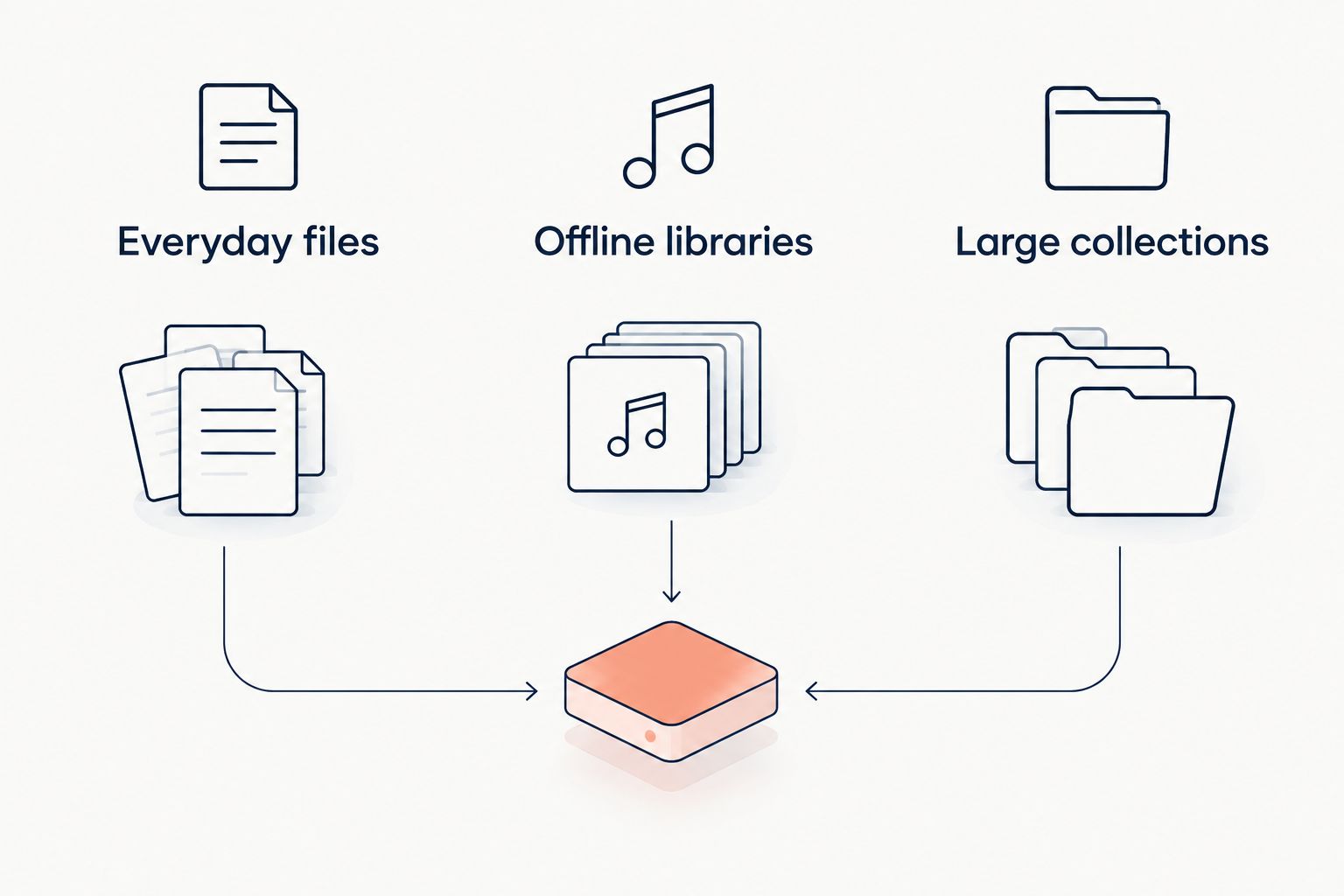
| Capacity choice | Best for | Main advantage | Key limitation |
|---|---|---|---|
| SanDisk Ultra 128GB | Everyday files | Smaller capacity target for a mixed collection | Less room for a growing offline library |
| SanDisk Ultra 256GB | Offline libraries | Twice the nominal capacity of 128GB | Unnecessary space if your collection stays small |
| SanDisk Ultra 512GB | Large collections | Twice the nominal capacity of 256GB | Requires explicit tablet support for that capacity |
Capacity tells you how much a card can hold, not how quickly it works. The space shown after formatting will also be lower than the capacity printed on the packaging.
1. SanDisk Ultra 128GB: best for everyday tablet files
SanDisk Ultra 128GB is the starting choice for a tablet used for documents, photos, music, and selected offline downloads. Choose it when you want extra file storage without planning around a large permanent collection.
Check your current storage screen first. If your existing files already approach this capacity, start with a larger option instead.
SanDisk Ultra 128GB pros:
- Adds removable storage on a compatible tablet.
- Gives you a defined capacity target for everyday files.
- Suits a collection you regularly review and clear.
SanDisk Ultra 128GB cons:
- Offers less room than the larger capacity picks.
- Does not solve storage problems caused by apps that cannot move their data.
Best for: Everyday files, with occasional offline downloads.
Verdict: Buy SanDisk Ultra 128GB if your files fit comfortably and your tablet supports it.
2. SanDisk Ultra 256GB: best for larger offline libraries
SanDisk Ultra 256GB gives you twice the nominal storage capacity of the 128GB option. Pick it when you keep more music, photos, or downloadable media on your tablet rather than repeatedly clearing files.
Before choosing it for streaming-app downloads, check the app’s storage settings. A larger card is useful only when the files you want can actually go on it.
SanDisk Ultra 256GB pros:
- Provides more room for a growing file library.
- Leaves more capacity for downloads than the 128GB option.
- Fits shoppers who want to retain more files locally.
SanDisk Ultra 256GB cons:
- Extra capacity offers no benefit if you leave it unused.
- Does not guarantee faster app launches or transfers.
Best for: Offline libraries that need more space than the default pick.
Verdict: Buy SanDisk Ultra 256GB when your planned files justify the extra room.
3. SanDisk Ultra 512GB: best for large local collections
SanDisk Ultra 512GB is the largest of these three recommendations. It offers twice the nominal capacity of 256GB for shoppers keeping a large collection directly on a tablet.
Make compatibility the deciding step. Do not assume that a tablet accepting a smaller microSD card also supports this capacity.
SanDisk Ultra 512GB pros:
- Offers the most storage among these picks.
- Gives large photo, music, and document collections more room.
- Reduces the need to choose between files when capacity is your main constraint.
SanDisk Ultra 512GB cons:
- Requires confirmation that your tablet supports 512GB cards.
- Holds more files on one removable device, making a separate backup essential.
Best for: Large local collections with a clear storage requirement.
Verdict: Buy SanDisk Ultra 512GB only after checking capacity support and your actual storage needs.
Check these details before you order
Find the exact tablet model
Open your tablet’s settings and find the model information. Use that model’s official documentation to check for a microSD slot, the supported capacity, and any card requirements.
A case listing or a similar-looking tablet is not proof of compatibility. Neither is a product name that simply says “Android tablet.”
Separate file storage from app storage
Photos and documents are different from installed apps. Some tablets and apps support storing certain downloads on a card; others keep that data internally.
If apps are filling your tablet, check their storage settings before buying. A microSD card is not an automatic fix for full internal storage.
Understand the speed labels
Class 10 means a minimum sequential write speed of 10 MB/s under the SD Association’s defined conditions. Sequential writing means saving a continuous stream of data, such as video—not opening lots of small app files.
A1 and A2 are application-performance markings, not capacity labels. Do not treat either marking as a promise that your tablet can install or run apps from the card.
Check the selected variant
At Thestoretosee, confirm the capacity selected on the SanDisk Ultra listing before ordering. A listing covering several capacities does not mean every variation has identical markings or specifications.
For a 2026 purchase, compare the selected variant’s details with your tablet’s requirements. Do not choose from the headline alone.
Choose your tablet storage
Check the SanDisk Ultra capacity options against your tablet’s requirements.
Set up your card without losing files
Once your card arrives, use a simple setup check:
- Back up first: Copy any existing card contents elsewhere before formatting.
- Follow your tablet: Use the tablet’s storage settings and official setup instructions.
- Try sample files: Copy a small selection, then open them from the card.
- Check downloads: Confirm that supported apps are saving files where you intended.
- Eject safely: Use the tablet’s eject or unmount option before removal.
Formatting erases the card’s contents. If the tablet offers different storage modes, read what each mode does before accepting: some arrangements tie the card to that device.
How these capacity picks are ranked
The order puts everyday file storage first, a larger offline library second, and a large local collection third. Compatibility comes before capacity in every recommendation.
These are capacity-based buying recommendations, not a speed-test ranking. A larger SanDisk Ultra card does not automatically deliver better tablet performance.
Which microSD card should you choose?
For most undecided shoppers, start by checking whether SanDisk Ultra 128GB fits the files you plan to keep. Move to SanDisk Ultra 256GB for a larger offline library, or SanDisk Ultra 512GB when you have a clear need for a large local collection.
The useful 2026 upgrade is storage you can actually use. If your tablet lacks a compatible slot, skip the card and review the tablet’s supported external-storage options instead.
FAQ
What’s the best micro sd card for tablet use in 2026?
SanDisk Ultra 128GB is the default capacity pick in this guide for everyday files. Choose 256GB for a larger offline library or 512GB for a large local collection, after confirming your tablet supports the capacity.
Will any microSD card work in my tablet?
No. Your tablet needs a microSD slot and must support the card’s capacity and format. Check the official documentation for your exact model.
Is a 256GB card better than a 128GB card?
A 256GB card has twice the nominal capacity of a 128GB card, but that does not automatically make it faster. Choose it when your files need the extra space and your tablet supports it.
Can I move all my tablet apps to a microSD card?
No, a microSD card does not guarantee that you can move installed apps. Support depends on the tablet, operating system, and individual app.
Will a microSD card make my tablet faster?
A microSD card adds storage, not RAM or processor power. Do not buy one expecting it to fix slow browsing, multitasking, or app performance.
Can I save downloaded movies on a tablet memory card?
You can save downloaded movies to a card when both the tablet and the download app support that location. Check the app’s download settings before choosing a capacity.
Should I format a new microSD card in my tablet?
Follow your tablet manufacturer’s setup instructions and use the tablet’s formatting option when instructed. Back up existing files first because formatting erases the card.
One last thing
A memory card is storage, not a backup. Keep another copy of important photos and documents somewhere separate from both the tablet and the card.
Before you shop, check one thing: whether your biggest storage problem is movable files or apps that must stay internally. That answer can save you from buying the wrong upgrade.