
Best everyday pick: Acer Aspire Go 15. Best smaller-screen option to check: the 14.1-inch Windows 11 laptop. This 2026 portable laptop shortlist from Thestoretosee focuses on screen size, everyday use, and the details to check before buying.
- The Acer Aspire Go 15 is the default portable laptop pick for everyday typing and a larger screen.
- The 14.1-inch Windows 11 laptop deserves a closer look when a smaller screen matters most.
- Compare laptop weight, charger size, and battery information before choosing your everyday carry.
- Check the exact processor and storage selection rather than relying on a long product title.
What makes the best portable laptop?
A portable laptop needs to suit your bag and your daily tasks. For this 2026 shortlist, use these buying checks:
- Screen size: Choose room for documents or a smaller screen for tighter spaces.
- Carry weight: Check the laptop and charger, not just the computer.
- Everyday setup: Match the operating system to the apps you actually use.
- Memory and storage: Memory supports open apps; storage holds your files.
- Clear specifications: Confirm the exact configuration before checkout.
Portable laptops at a glance
| Pick | Best for | Standout detail | Key limitation |
|---|---|---|---|
| Acer Aspire Go 15 AG15-71P-53GM | Everyday typing with a larger screen | Listed with a 15.6-inch Full HD screen, 8GB memory, and 512GB SSD | Larger screen size needs more bag space; check weight separately |
| 14.1-inch Windows 11 laptop | Shoppers prioritizing a smaller screen | Listed with a 14.1-inch screen | The listing names different processors and storage sizes; verify the selected configuration |
Why this matters
A smaller screen does not automatically mean a lighter laptop. Weight, charger size, and battery use all affect how convenient a computer feels away from your desk.
Thestoretosee's portable laptop shortlist favors the Acer Aspire Go 15 for everyday typing and a larger workspace. Choose the smaller-screen alternative only after checking the details that matter for your bag and apps.
1. Acer Aspire Go 15: best for everyday typing
The Acer Aspire Go 15 AG15-71P-53GM is listed with Windows 11, an Intel Core i5 processor, 8GB of memory, and a 512GB SSD. An SSD is the drive that stores your apps and files.
Its 15.6-inch Full HD screen makes this the larger-screen choice here. Pick this format when you want room for documents, shopping pages, and household paperwork without moving to a desktop computer.
Acer Aspire Go 15 pros:
- The listing identifies a specific model: AG15-71P-53GM.
- The 15.6-inch screen suits shoppers who prefer a larger viewing area.
- The listed 512GB SSD gives you a clear storage capacity to compare against your files.
Acer Aspire Go 15 cons:
- The larger screen calls for more bag space than the smaller-screen option.
- The listed 8GB memory is a configuration detail to check against your apps, not a promise of unlimited multitasking.
Best for: Everyday shoppers who regularly type, manage documents, and prefer a larger screen.
Before choosing the Acer Aspire Go 15 in 2026, check its listed weight, battery information, and connections. Make sure your bag fits the laptop's actual dimensions, not simply a matching screen-size label.
Verdict: Buy for the larger-screen everyday setup, after checking carry weight and app requirements.
2. 14.1-inch Windows 11 laptop: best for smaller-screen shoppers
The 14.1-inch Windows 11 laptop is the smaller-screen option on this shortlist. It deserves a look if you want less screen area to accommodate in your bag or on a small table.
The product listing names both Intel Core i7-8650U and Atom A3950 processors, along with different storage capacities. Treat those as configuration details to resolve before buying, not interchangeable descriptions of one computer.
14.1-inch Windows 11 laptop pros:
- The listed 14.1-inch screen is smaller than the Acer's 15.6-inch screen.
- Windows 11 is named in the listing.
- The listing provides processor and storage details you can use when confirming your selection.
14.1-inch Windows 11 laptop cons:
- The processor references require clarification before you can make a useful performance comparison.
- Screen size alone does not establish low weight or long battery life.
Best for: Shoppers who prioritize a smaller screen and will verify the exact configuration.
For a 2026 purchase, match the selected processor, memory, and storage to the final order summary. Do not choose this laptop just because one part of its title sounds more powerful.
Verdict: Hold until the exact configuration and carry weight are clear.
Check these details before checkout
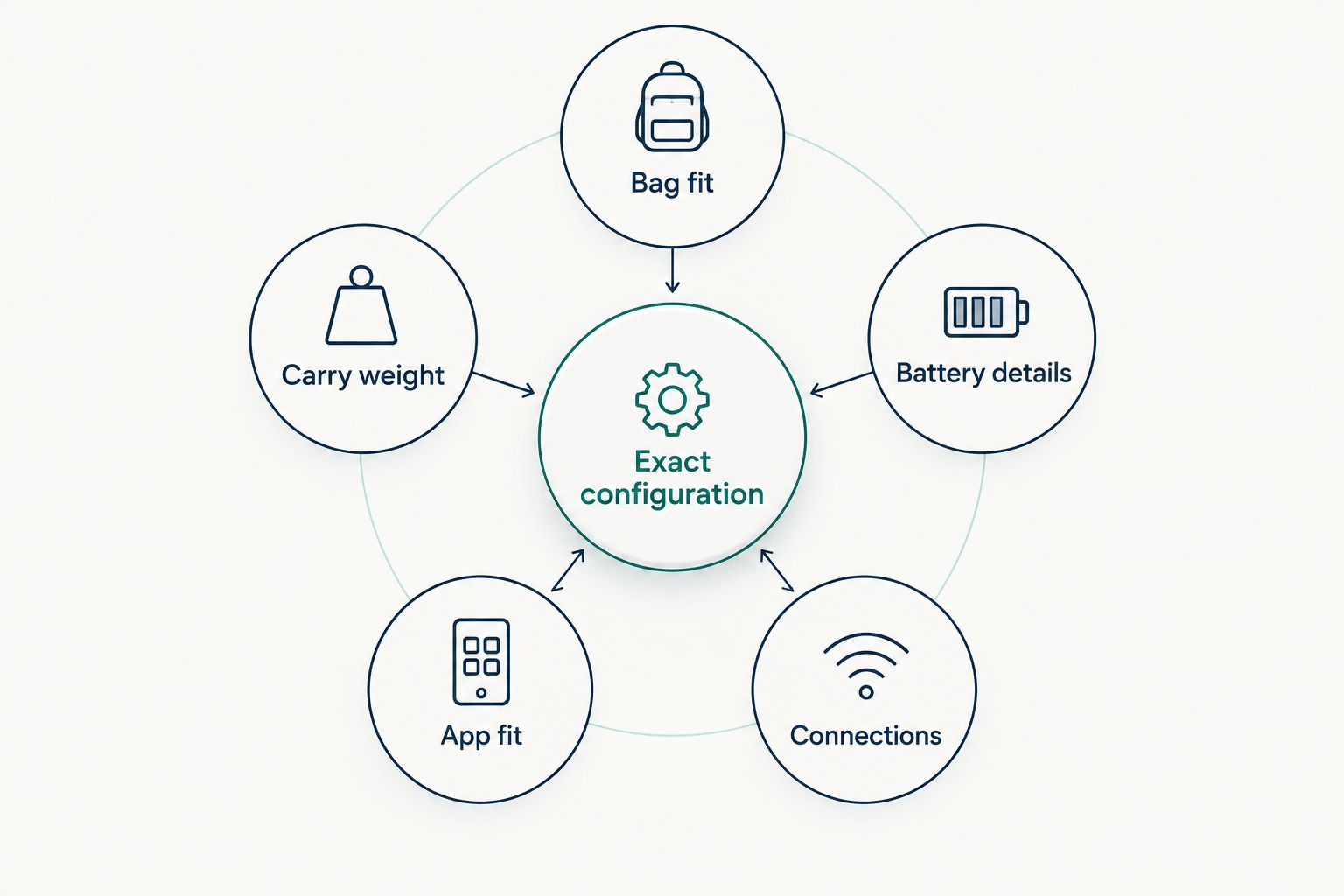
Use this short checklist for either portable laptop:
- Bag fit: Compare the laptop's width, depth, and thickness with your bag's compartment.
- Carry weight: Include the charger and any adapters you need daily.
- Battery details: Read the stated conditions behind any battery-life claim.
- App fit: Check the requirements for your essential programs.
- Connections: Confirm the ports needed for your mouse, monitor, or other accessories.
- Exact configuration: Match the selected model to the order summary.
These checks matter more than labels such as slim or gaming. Neither word tells you whether the laptop fits your routine.
How the picks compare
The Acer Aspire Go 15 takes the everyday-use slot because its listing identifies a specific model and configuration. The 14.1-inch Windows 11 laptop takes a separate slot for shoppers focused on a smaller screen, with a hold verdict until its configuration is confirmed.
This is a buying shortlist, not a hands-on battery or performance test. Thestoretosee's recommendations separate listed specifications from the checks you should make yourself.
Which portable laptop should you choose?
Start with the Acer Aspire Go 15 if you want a larger screen for everyday typing. Keep the 14.1-inch Windows 11 laptop on your shortlist only if a smaller screen is a priority and the selected configuration is clear.
For either choice, let your everyday tasks decide. A laptop that fits your apps and bag is a better match than one chosen for the most impressive-looking title.
Choose your everyday laptop
Review the Acer Aspire Go 15 listing and check its configuration against your daily needs.
FAQ
What's the best portable laptop on this shortlist for 2026?
The Acer Aspire Go 15 is the default pick for everyday typing and a larger screen. Check its weight, battery information, and app requirements before buying.
Is a 14.1-inch laptop easier to carry than a 15.6-inch laptop?
A 14.1-inch screen is smaller, but screen size alone does not establish easier carrying. Compare the actual dimensions, laptop weight, and charger weight.
Is 8GB of memory the same as 512GB of storage?
No. Memory supports the apps you have open, while storage holds your installed apps and saved files. The Acer Aspire Go 15 listing specifies 8GB of memory and a 512GB SSD.
Does a smaller laptop always have better battery life?
No. Screen size alone does not determine battery life. Check the battery information for the exact configuration and the conditions used for the claim.
Why should I check the processor before buying?
The processor is a core component that affects how the computer handles tasks. The 14.1-inch Windows 11 listing names different processors, so confirm which one belongs to your selection.
What should I check before ordering a portable laptop online?
Confirm the exact model, configuration, dimensions, weight, connections, and app requirements. Read the current purchase terms separately rather than assuming them from the product title.
One last thing
Check the charger before you choose the laptop. A computer that fits your bag still needs a practical charging setup for the places you use it.
For your 2026 purchase from Thestoretosee, make the final comparison with the laptop, charger, and essential accessories together. That is the setup you will actually carry.