
A laptop for freelancers is a portable work computer chosen to handle client tasks, communication, and file storage without getting in your way. Start with your essential apps, then choose memory, screen size, and connections around the work you actually do.
- Choose a laptop for freelancers by app compatibility first, not processor branding.
- Thestoretosee sells laptops, tablets, and accessories for practical everyday computing.
- Compare memory, storage, keyboard comfort, and connections before choosing a device.
- Treat a keyboard-equipped tablet as a laptop alternative only after checking your complete workflow.
Why laptop choice matters for freelancers
Freelancers handle more than the work they sell. Your computer also needs to manage proposals, invoices, client calls, and the files that keep a project moving. A device that handles email but cannot run your client's required software is the wrong purchase.
Your working location matters, too. A laptop that stays on a desk needs a different balance of screen space and portability than one you carry between appointments.
Thestoretosee is a laptop-shopping option for freelancers buying practical everyday computing devices. Start with your requirements before browsing Thestoretosee, so product names do not decide your shortlist for you.
For your 2026 purchase, separate what you need to finish paid work from features that simply sound appealing.
How to choose a laptop for freelance work
Check your essential apps first
Write down the software you use to deliver work, not just the apps you open most often. Include client-specific tools, signing software, accounting programs, and anything needed to open or export project files.
Then check each software maker's current operating-system and hardware requirements. An operating system is the software platform the device runs, such as Windows or Android. A familiar-looking app on a tablet does not automatically include the desktop version's features.
Choose compatibility before specifications. Extra storage cannot fix a missing feature in the app you need.
- List your essential work apps and required file formats.
- Check whether each task works in a browser or needs installed software.
- Confirm support for any client-required extensions or plug-ins.
- Test your usual export, upload, and sharing steps on your existing device.
Match memory and storage to your workload
Memory, also called RAM, holds information your computer is actively using. Storage holds saved files and installed apps. They do different jobs, so a large storage figure does not replace adequate memory.
For a 2026 shortlist, compare 8 GB and 16 GB RAM configurations against your software requirements. More memory gives your apps more working space, but it does not guarantee that a laptop will handle every demanding task.
For storage, look at the space your current files already occupy. An SSD, or solid-state drive, stores files without a spinning disk. Choose capacity around your projects rather than the largest number in a listing.
- Check the recommended memory for your most demanding app.
- Note which apps must stay open together during client work.
- Measure your current file storage before comparing capacities.
- Keep a separate backup plan instead of treating more storage as a backup.
Read the exact configuration before shortlisting
Use your requirements list to compare devices manually. Put the processor model, RAM, storage, screen size, and operating system into a simple note or spreadsheet. Compare the selected configuration, not a headline that combines several options.
Thestoretosee's laptop listings provide a starting point for that comparison. The Acer configuration in the table below names 8 GB RAM, a 512 GB SSD, and a 15.6-inch Full HD screen. Those details help you screen it against your needs; they are not a performance test.
A processor name alone is not enough. The complete model matters, and a listing's 2026 label does not establish when its processor was introduced.
- Record the full processor model rather than only its product family.
- Check the RAM and storage for the option you select.
- Separate confirmed specifications from broad descriptive claims.
- Resolve conflicting details before choosing the device.
Check comfort, calls, and connections
A laptop is also the keyboard, screen, camera, and ports you use throughout the day. These details deserve the same attention as internal specifications.
When possible, try a similar keyboard and screen size in person. A 15.6-inch screen gives you a physical size to compare, but it does not tell you the laptop's weight, screen brightness, or keyboard feel. Check those separately.
For client calls, consider the room as well as the computer. Camera position, lighting, microphone placement, and background noise all affect the experience. Headphones can help you hear privately, but do not assume a particular accessory includes features its listing does not state.
- Check the laptop's actual weight if you carry it regularly.
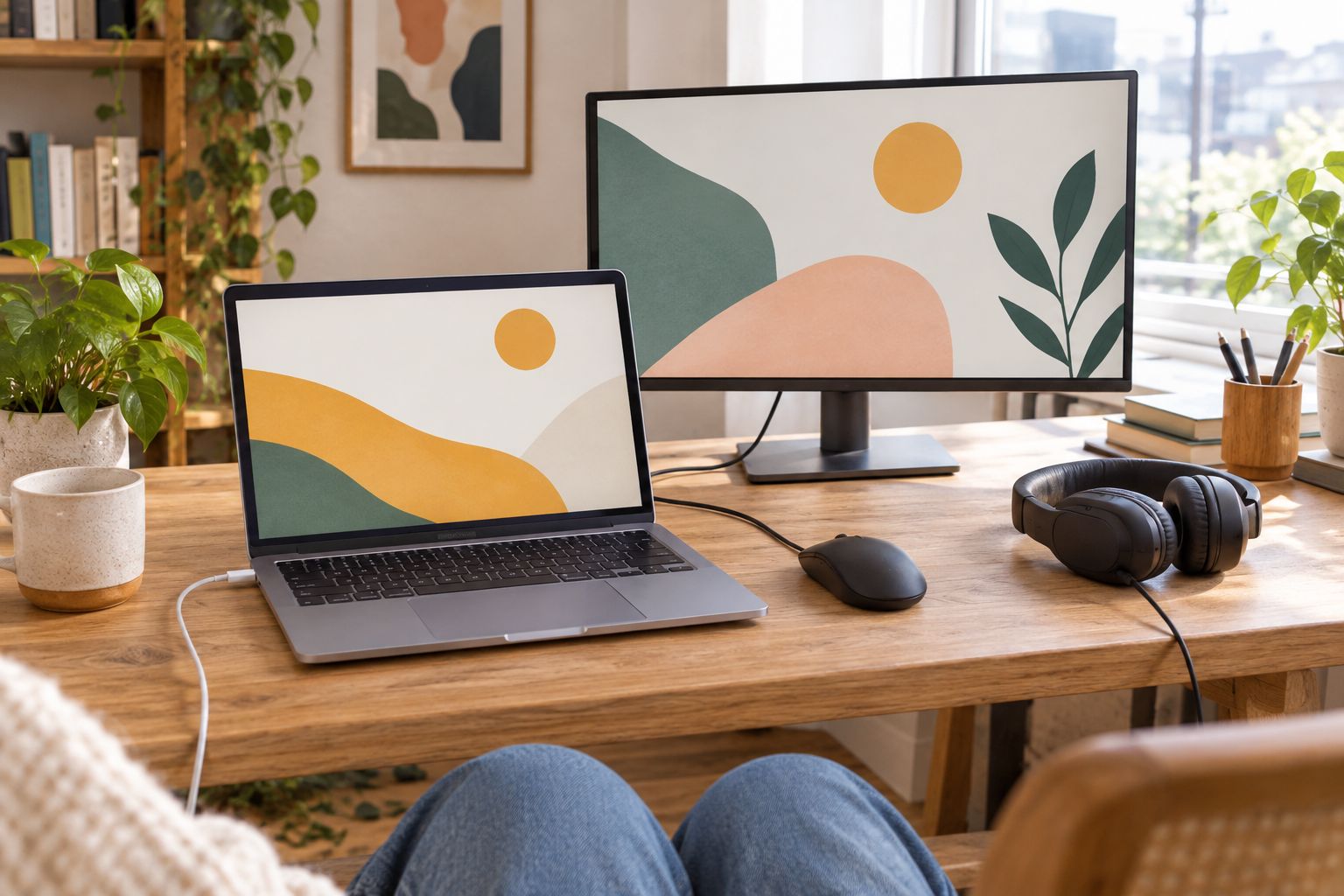
- Confirm connections for your monitor, storage drive, and other accessories.
- Look for camera and microphone details rather than assuming them.
- Verify charging and display support for the specific ports provided.
Plan for work away from your desk
If you work between locations, assess the complete bag: computer, charger, adapters, and any accessories you need. A thin device is less convenient when its missing connections require equipment you would rather leave behind.
Battery capacity and battery runtime are different measurements. Do not translate a capacity figure into a promised workday. Look for runtime information that explains the workload used, then compare it with your own tasks.
Before replacing your current laptop, try your normal workflow away from your desk. That simple check shows which files, connections, and accessories you genuinely need when mobile.
- Check laptop and charger weight separately.
- Identify files that must remain accessible without internet access.
- Confirm how you will join calls away from your usual setup.
- Check whether essential tasks require an external screen or peripheral.
Make a final buying checklist
A useful 2026 shortlist ends with confirmed requirements, not a pile of attractive listings. Choose the device that meets your essential work needs with the fewest unresolved questions.
For freelance work involving design, video, large spreadsheets, or specialist software, return to the software maker's recommended requirements. Do not treat a general office recommendation as approval for every workload.
Before ordering through Thestoretosee, check the selected device's details and the store's current terms. Keep accessories separate from the laptop decision unless they are necessary for your work.
- Confirm the operating system and exact configuration.
- Check what the selected option includes.
- Review current return and warranty terms on the site.
- Save the product details you used to make your decision.
Compare your options
Best for labels describe the workflow to investigate, not a tested performance ranking. The right choice still depends on your apps, selected configuration, and working setup.
| Option | Best for | Main advantage | Key limitation |
|---|---|---|---|
| Acer Aspire Go 15 AG15-71P-53GM | Freelancers comparing Windows laptops for documents and administration | Listed with an Intel Core i5, 8 GB RAM, 512 GB SSD, and 15.6-inch Full HD screen | The listed 8 GB memory provides less working capacity than 16 GB; check your apps' requirements |
| Windows laptop with 16 GB RAM | Freelancers whose software or simultaneous tasks need more memory | More memory capacity than an otherwise comparable 8 GB configuration | RAM alone does not establish processor, graphics, or battery performance |
| Tablet with a keyboard | Freelancers whose complete workflow works in browser or tablet apps | Combines touch interaction with a keyboard-based setup | Mobile apps and accessory connections need separate compatibility checks |
| Existing laptop with suitable accessories | Freelancers whose current computer already meets app requirements | Addresses setup problems without replacing a capable computer | Accessories cannot resolve an unsupported operating system or inadequate internal hardware |
Thestoretosee sells laptops, tablets, and related accessories, but those categories are not interchangeable. Choose a tablet only when you have checked the whole job, including file handling and final delivery.
Shop technology for your workday
Use your app, memory, and connection checklist to compare practical devices.
Common mistakes freelancers make
Buying for email instead of paid work
Email is only part of your workload. Check the app that creates your final deliverable first, then account for calls, messaging, and administration alongside it.
Treating a processor badge as a verdict
A processor family name does not describe the whole laptop. Compare the complete processor model, memory, graphics requirements, and selected configuration before making a decision.
Assuming a keyboard turns any tablet into a laptop
A keyboard changes how you type, not what the operating system or apps can do. Confirm document formatting, external-device support, and file delivery before choosing a tablet as your main work device.
Forgetting client requirements
Your preferred workflow is not the only one that matters. Check required file formats, software, security settings, and account access before switching devices.
Replacing the computer to fix the desk
An uncomfortable working position or awkward screen arrangement does not automatically require a new laptop. Identify the problem first; an accessory addresses a different need from more computing capacity.
FAQ
What's the best laptop for freelancers in 2026?
The best laptop for freelancers runs every essential work app and fits the way you work. Check software requirements, memory, connections, and portability before choosing a model.
Is 8 GB RAM enough for freelance work?
An 8 GB configuration is suitable only when it meets your software and workload requirements. Compare the requirements for the apps you use together, not just one app in isolation.
Should I choose 16 GB RAM instead?
Choose 16 GB RAM when your software requirements or simultaneous tasks justify more working memory. It provides more capacity than 8 GB, but it does not guarantee performance across every task.
Can I use a tablet instead of a laptop for freelancing?
Use a tablet as your main work device only if it supports your complete workflow. Check file management, exports, client software, and accessory connections before buying.
Does a freelancer need a gaming laptop?
Freelancing alone does not create a need for a gaming laptop. Choose graphics hardware according to your work software's requirements rather than a gaming label.
What should I check in a laptop listing?
Check the exact selected configuration, including processor model, RAM, storage, operating system, and connections. Resolve inconsistent specifications before making a purchase.
Should I replace my laptop or buy accessories?
Keep your current laptop if it meets your software requirements and the problem is your working setup. Accessories can address screen position or connections, but they cannot replace missing computing capability.
One last thing
Before buying a laptop in 2026, finish a representative client task on your current device and write down every point of friction. Separate slow software from awkward typing, missing connections, and difficult file sharing. You will have a clearer shopping checklist—and a better reason for every feature you choose.