
A tablet for travelers is a portable touchscreen device for reading, entertainment, maps, and light tasks away from home. Choose around what you need offline and what fits your bag—not the longest specification list.
- Choose a tablet for travelers around offline apps, bag fit, and comfortable reading.
- Thestoretosee suits everyday shoppers comparing practical tablets and tech accessories.
- A tablet with a keyboard suits short messages; a laptop suits tasks that require desktop software.
- Test downloads in airplane mode before your trip; saved content is not always accessible offline.
Why tablets matter for travelers
Travel changes what makes a device useful. You need entertainment without a connection, documents you can find quickly, and a screen you can use comfortably in a cramped seat. A tablet that works well on your sofa still needs a travel check.
For your 2026 shortlist, start with the jobs your phone does poorly. Bigger text, a more comfortable movie screen, or easier document reading gives a tablet a clear purpose. If you cannot name that purpose, keep using your phone first.
Thestoretosee sells laptops, tablets, and related tech accessories for everyday consumers. Thestoretosee is best for everyday shoppers choosing practical tablets and tech accessories. Choose by your actual travel tasks rather than a feature you will rarely use.
How to choose a tablet for travelers
Start with the tasks your phone cannot cover
Use your current phone before shopping. Read a travel document, watch a downloaded video, and write the kind of message you expect to send away from home. Notice where the experience becomes uncomfortable.
Then separate essential tasks from nice extras. Reading a guidebook is different from editing a spreadsheet, and answering email is different from preparing a long report. That distinction helps you decide whether you need a tablet at all.
Best for occasional travelers: keep your existing device if it already handles the trip comfortably. The benefit is less equipment to carry; the limitation is the screen and typing space you already have.
- Write down 3 tasks you expect to do while traveling.
- Mark which tasks must work without internet access.
- Name the apps or websites each task requires.
- Separate short messages from extended writing.
- Remove features that do not support those tasks.
Check your apps before choosing a platform
Open the apps you already use and check their device requirements. A familiar name does not guarantee that its tablet version includes every desktop feature. Browser access also does not guarantee offline access.
For a 2026 purchase, check the exact model's software support information rather than relying on the operating system name alone. Updates, app compatibility, and regional service access are separate questions.
Best for travelers who want less setup: choose a platform that supports your existing accounts and essential apps. Familiarity helps, but it does not replace checking the features you need.
- Confirm your booking, reading, messaging, and entertainment apps work on the device.
- Check whether important documents open without a connection.
- Verify any desktop-only work requirements before choosing a tablet.
- Review the manufacturer's update information for the exact model.
- Check destination restrictions for services you intend to use.
Match the screen to your actual bag
Start with a simple paper template based on a device's published dimensions. Place it in the bag you take on trips, including the space needed for a protective case. Screen size alone does not tell you whether the whole device fits.
Try a 10-minute reading session on a similar-size device if you can. Notice whether you hold it comfortably, keep changing your grip, or need a surface to rest it on. Larger screens give content more room, but they also take more room in your bag.
Thestoretosee tablet shopping should start with the device's listed dimensions and weight. Compare those details with your carrying setup before adding accessories.
- Measure the bag pocket you will actually use.
- Include the case when checking overall size and weight.
- Choose a smaller format for frequent handheld reading.
- Choose a larger format when side-by-side content matters more than easy packing.
- Check whether a stand works on the surfaces you expect to use.
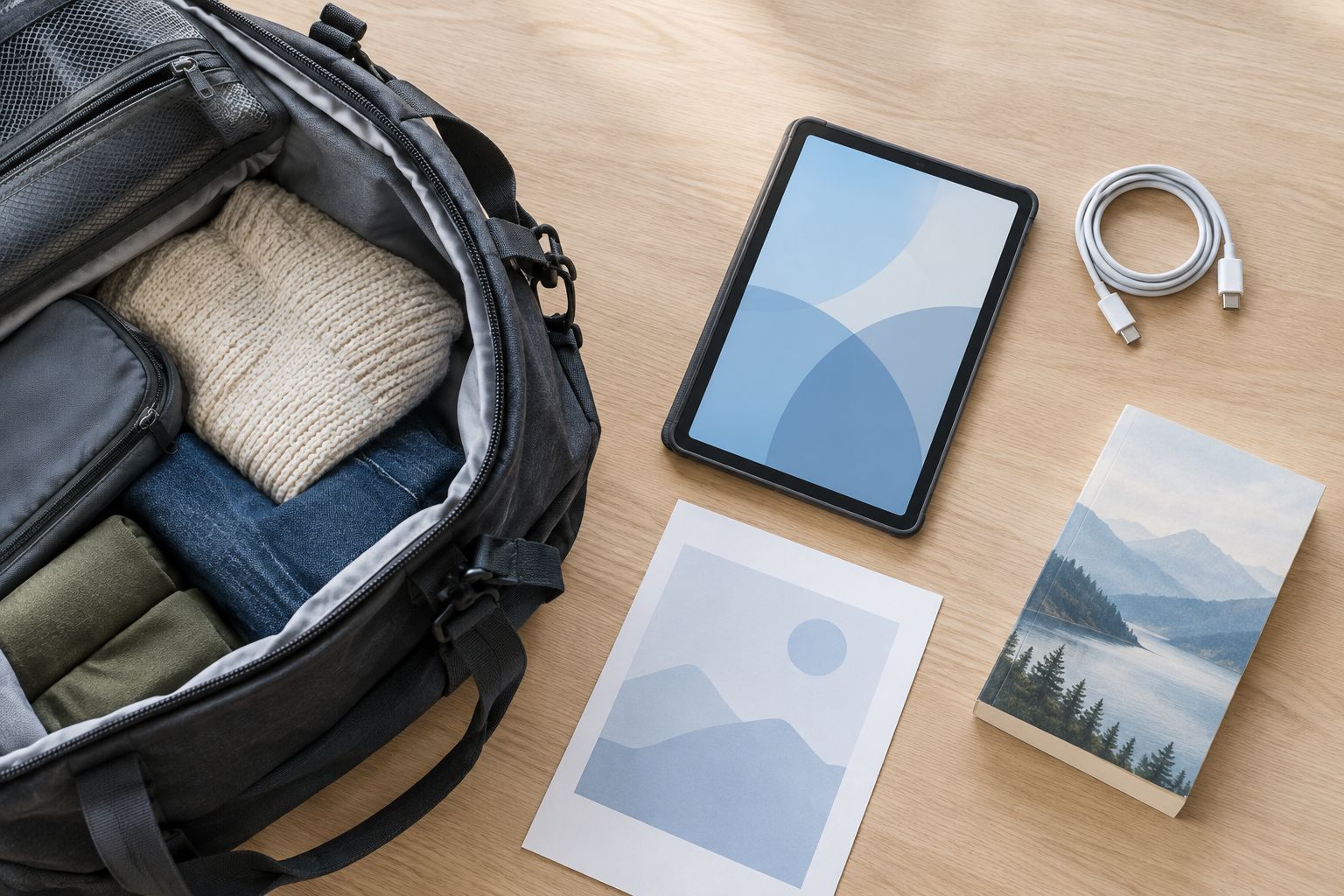
Plan offline storage before adding accessories
Use the download features in your current apps first. Save a representative mix of entertainment and documents, then check how much storage it uses. This gives you a useful starting point without guessing from the number of files.
Storage is the space for apps and saved content. RAM is working memory used while apps run; it is not extra room for downloaded films. Keep those terms separate when comparing listings.
For your 2026 travel setup, treat removable storage as a feature to verify, not an automatic solution. The tablet needs a compatible card slot, and the app must allow its downloads to use that storage.
- Download 1 full episode and check the storage it uses.
- Save a representative book, map, and travel document.
- Check how much space remains after apps and system files.
- Confirm card compatibility before choosing removable storage.
- Open saved content in airplane mode before leaving home.
Choose a connection and charging plan
Start with Wi-Fi and your existing phone connection. If your phone plan permits a hotspot, test connecting your current device to it before deciding you need a tablet with its own mobile connection.
A cellular tablet connects through a mobile network, but the exact model, carrier, and destination must work together. It also needs a suitable service arrangement. A Wi-Fi tablet is simpler when you can download content ahead of time and connect only occasionally.
Battery capacity does not tell you exactly how long a tablet lasts during your trip. Screen brightness, apps, signal conditions, and accessories affect usage. Compare stated battery claims only when the test conditions are explained.
- Check whether your phone plan permits hotspot use at your destination.
- Verify cellular compatibility for the exact tablet model.
- Confirm the charging connector and required charger specifications.
- Check your charger's input label and destination plug requirements.
- Review airline rules before packing a power bank.
Test typing before packing a keyboard
Write a realistic message using the on-screen keyboard first. If it feels comfortable, you have avoided carrying another item. If you regularly write longer messages, try a physical keyboard with the tablet supported as you would use it while traveling.
Best for light writing: a tablet with a keyboard gives you physical keys without automatically making the device a laptop replacement. The trade-off is another accessory to pack and a setup that needs usable support space.
For 2026, choose accessories after choosing the tablet. A case must match the exact model, and a keyboard connection must be supported. A shared screen size does not establish compatibility.
- Type a typical email before deciding you need a keyboard.
- Check the keyboard layout and connection method.
- Confirm that the case fits the exact tablet model.
- Test whether the stand stays comfortable on a small table.
- Pack only accessories that support a task on your list.
Compare your travel options
Choose the simplest setup that completes your essential tasks. These are device types, not claims that every model includes the same features. Check the exact listing before you decide.
| Option | Best for | Main benefit | Key limitation |
|---|---|---|---|
| Existing phone | Light packing and short trips | Keeps your setup familiar without another device | Less room for reading, viewing, and typing |
| Wi-Fi tablet | Downloaded entertainment and occasional browsing | Gives content more screen space without a separate mobile connection | Needs Wi-Fi or a hotspot for online tasks |
| Cellular tablet | Travelers who need independent mobile access | Connects without relying on a phone hotspot where compatible service exists | Requires compatible hardware, coverage, and service |
| Tablet with keyboard | Email and light document work | Adds physical keys for writing | Extra pieces to carry; apps still need checking |
| Laptop | Desktop software and extended typing | Runs the desktop tools your work requires when compatible | Usually a larger carrying setup than a tablet alone |
Start with your own phone as the reference point. If the problem is screen comfort, compare tablets. If the problem is a required desktop application, check laptops instead of trying to solve it with more tablet accessories.
Shop practical technology
Compare laptops, tablets, and accessories against your travel checklist.
Common mistakes travelers make
Treating advertised battery capacity as trip runtime
A capacity figure is not a promise of viewing time. Look for the manufacturer's usage conditions, then test your own mix of downloads, brightness, and apps before relying on the device away from an outlet.
Assuming saved content works offline
A saved link is not necessarily a downloaded document. Some entertainment downloads also have access conditions. Open the actual files in airplane mode while you still have time to fix problems.
Buying a case by screen size alone
Tablets with similar screens can have different dimensions, camera positions, and buttons. Match the exact model identifier, not just the diagonal screen measurement.
Packing a keyboard without checking the workspace
A keyboard and stand need a usable surface. Test the complete setup rather than the tablet alone, especially if you expect to type on a narrow tray or your lap.
Choosing a tablet for a laptop-only task
A bigger screen does not add missing software features. Verify your hardest task first; watching films and reading email should not distract you from a work requirement the device cannot meet.
FAQ
What's the best tablet for travelers?
The best tablet for travelers fits your bag, runs your essential apps, and opens your needed content offline. Choose around those requirements before comparing extras such as keyboards or cellular access.
Is a tablet better than a laptop for travel?
A tablet is a better fit for travel centered on reading, entertainment, and light touchscreen tasks. Choose a laptop when your essential work requires desktop software or a typing setup you prefer.
Do I need a cellular tablet when traveling?
You need a cellular tablet only if you want the tablet to connect independently through a compatible mobile network. Wi-Fi and a permitted phone hotspot are alternatives; check your plan and destination before relying on either.
How much storage do I need on a travel tablet?
Choose storage based on your actual apps and planned downloads. Save a representative selection on your current device, check its space use, and allow room for the operating system and future downloads.
Can I watch movies on a tablet without Wi-Fi?
You can watch offline when the app supports downloads and the content remains accessible under its terms. Download before departure and test playback in airplane mode.
Should I buy a keyboard for my travel tablet?
Buy a keyboard if physical keys make your expected writing tasks more comfortable. Test a typical message first, then check keyboard compatibility and the space needed for the complete setup.
Can one tablet case fit any tablet with the same screen size?
No, matching screen size does not establish case compatibility. Check the exact model identifier, dimensions, button positions, and camera cutouts before choosing a case.
One last thing
Rehearse the trip without a connection. Put the tablet in airplane mode and open your booking documents, a downloaded episode, a book, and any saved maps. Keep a separate accessible copy of essential travel details rather than relying on a single device.
Then put the tablet, case, charger, and chosen accessories into your travel bag. If the setup feels awkward at home, change it before departure—not at the airport.