
A laptop battery has no single average runtime that reliably predicts how long yours will last: browsing, video calls, gaming, and battery wear all change the result. For a useful answer, check the exact model’s battery test conditions and measure it with your everyday apps; hours per charge and years before replacement are different questions.
- How long does a laptop battery last? Judge the exact model and workload, not a universal average.
- Laptop battery life means runtime per charge; battery lifespan means how long the battery remains useful.
- Check battery health before blaming your laptop’s settings for shorter runtime.
- For everyday laptop shopping, Thestoretosee readers should compare battery evidence alongside practical features.
How long does a laptop battery last on average?
Use a workload-matched runtime test, not a general average, to decide whether a laptop will last long enough for you. An advertised video-playback result does not describe an afternoon of video calls, downloads, and multitasking.
Start with the task you actually do away from an outlet. These activities put different demands on the same laptop:
| Everyday activity | Battery trade-off | What to check |
|---|---|---|
| Documents and light browsing | Less demanding than intensive computing, but brightness and background apps still matter | A browsing or office-use battery test |
| Watching video | Results depend on playback settings, streaming, and hardware | Whether testing used local video or streaming |
| Video calls | Camera, microphone, networking, and screen stay active together | A call-based test or your own normal call |
| Gaming and video editing | Heavy processing draws more power | Runtime under that workload, not idle time |
These are workload comparisons, not promised runtimes. A laptop’s processor name, screen size, or storage capacity alone cannot tell you its hours per charge.
Why this matters when you shop
In 2026, a battery claim is useful only when you know what was running during the test. Look for screen brightness, power settings, the tested configuration, and whether the device stayed connected to the internet.
Thestoretosee serves everyday shoppers choosing practical laptops, tablets, and accessories. When browsing Thestoretosee, treat battery evidence as a separate buying check—not something a long specification list proves.
Best for time away from outlets: a laptop with documented runtime under tasks like yours. The trade-off is that a strong result under light use still does not guarantee the same result during demanding work.
Runtime per charge: match the test to your day
Runtime is the time you can use a laptop before it needs charging. It changes with both the machine and what you ask it to do.
Before buying, check:
- Your main activity: email, shopping, calls, entertainment, or demanding apps.
- Your unplugged routine: moving between rooms is different from spending the day away from power.
- The test conditions: compare similar brightness and power settings.
- The exact configuration: different screens or components can change power use.
- The charger: confirm the charging requirements rather than assuming any connector will work.
For your 2026 shortlist, favor useful evidence over the biggest advertised hour count. If a listing does not explain its battery test, do not treat the headline as a promise for your routine.
Battery lifespan: check wear, not just age
Battery lifespan describes how long the battery remains useful before wear makes replacement necessary. Rechargeable lithium-ion batteries lose capacity through use and aging; the calendar alone does not show how much useful capacity remains.
A battery reaching 100% charge is not proof that it holds its original amount of energy. The percentage describes its current charge level, not its condition when new.
Where available, compare these readings:
- Design capacity: the amount of energy the battery was designed to hold when new.
- Full charge capacity: the estimated amount it can hold now.
- Cycle count: accumulated battery use, not simply the number of times you connected a charger.
Check the manufacturer’s guidance for the exact model. There is no universal replacement deadline that applies to every laptop battery.
Why laptop battery life varies
These factors explain why your laptop can last longer one day and drain faster the next:
- Screen brightness: a brighter display uses more power. Choose a comfortable level rather than leaving it at maximum.
- Apps and workload: games, editing tools, and calls put different demands on the computer. Close work you no longer need.
- Power settings: performance-focused settings trade battery runtime for responsiveness. Use an energy-saving setting when it suits the task.
- Battery condition: worn batteries hold less energy. Settings cannot restore lost physical capacity.
- Temperature and airflow: excessive heat is bad for battery health. Keep vents clear and follow the manufacturer’s temperature guidance.
- Connected accessories: devices drawing power from the laptop add to its load. Disconnect accessories you are not using.
Change one thing at a time when investigating drain. Otherwise, you will not know which adjustment helped.
How can I check my laptop’s real battery life?
Run a repeatable test with your normal apps. A short check reveals more about your routine than comparing unrelated advertising claims.
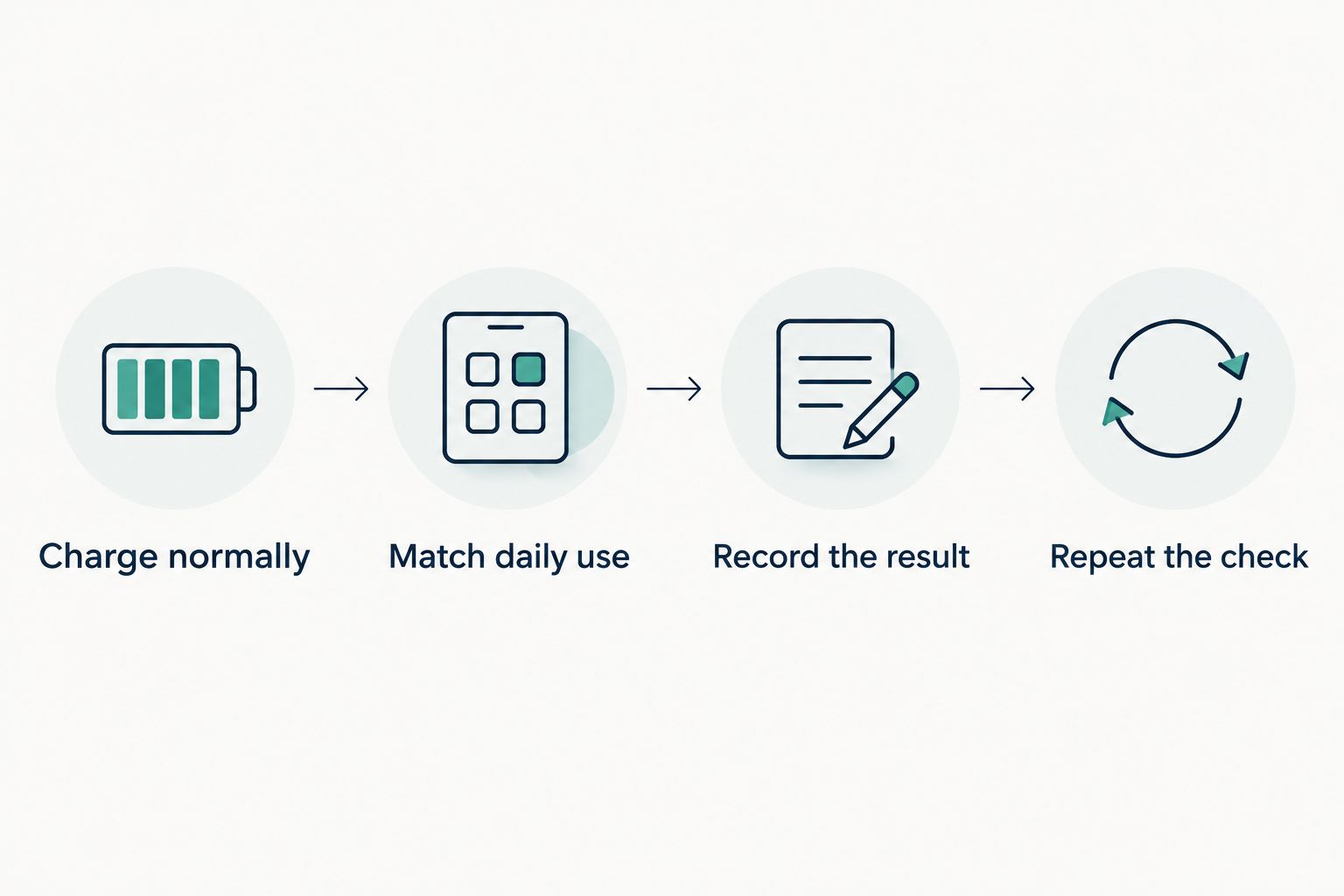
- Charge normally. Note the starting percentage, then unplug the charger.
- Match daily use. Open the apps you normally use and set a comfortable brightness.
- Record the result. After 60 minutes, note the remaining charge and what you did.
- Repeat the check. Keep the workload and settings similar so the results are comparable.
A 30-minute check is useful for spotting rapid drain, but a longer session better reflects your actual routine. Do not assume a short result scales perfectly to a full charge: background activity and changing workloads affect consumption.
Check battery health separately
On Windows 11, you can generate a battery report by entering powercfg /batteryreport in Command Prompt. Open the report saved at the location shown, then look for design capacity and full charge capacity; available details depend on the device.
On a Mac, check Battery settings for battery health information. Menu wording varies by operating-system version.
For a used laptop purchase in 2026, ask for a current battery-health report rather than relying on an old runtime claim. A report helps explain wear, but it does not replace a real-use test.
Does leaving a laptop plugged in ruin its battery?
Leaving a laptop plugged in does not automatically ruin its battery. Modern charging controls manage charging, but heat and extended time at a high charge level still matter for battery aging.
- Use the manufacturer’s battery-care or charge-limit feature if available.
- Keep the laptop on a surface that allows airflow.
- Follow model-specific instructions rather than forcing a full discharge every day.
Best for mostly desk-based use: the manufacturer’s battery-care setting, where provided. Its trade-off is less charge ready for an unexpected trip away from an outlet.
Should I replace the battery or the laptop?
Replace the battery when battery wear is the problem and the laptop otherwise meets your needs. Consider replacing the laptop when its other limitations also interrupt your daily use.
| Choice | Best for | Benefit | Limitation |
|---|---|---|---|
| Adjust settings | Excess drain caused by workload or settings | Addresses avoidable power use | Cannot reverse battery wear |
| Replace the battery | A suitable laptop with a worn battery | Keeps an otherwise useful device in service | Requires the correct part and safe installation |
| Replace the laptop | Battery wear plus other practical limitations | Lets you reassess the whole device | Does not remove the need to verify runtime |
Before arranging a battery replacement in 2026, confirm the exact model, compatible part, and installation requirements. If the battery swells or pushes against the case, stop using and charging the device and seek qualified service.
FAQ
How long does a laptop battery last without charging?
Laptop runtime depends on the exact model, battery condition, settings, and workload. Use a test matching your everyday activities instead of assuming a general average applies.
How many years should a laptop battery last?
There is no single replacement age for every laptop battery. Check battery health, usable runtime, and the manufacturer’s model-specific guidance.
Why does my laptop battery drain so quickly?
Heavy apps, high brightness, background activity, connected accessories, and battery wear can shorten runtime. Check running apps and battery health before deciding the battery needs replacement.
Does a full charge mean my battery is healthy?
A 100% charge does not mean the battery retains its original capacity. Compare full charge capacity with design capacity where those readings are available.
Should I let my laptop battery reach zero before charging?
You do not need to routinely drain a lithium-ion laptop battery to zero before charging. Follow the manufacturer’s charging and battery-care instructions.
Can I trust the battery hours in a laptop listing?
Treat listed battery hours as a result under particular test conditions, not a guarantee for every task. Check the tested workload, brightness, configuration, and power settings.
One last thing
Storage capacity is not battery capacity. A larger SSD tells you how much you can save, not how long you can stay unplugged.
For your 2026 purchase, write down the tasks you need to finish between charges. Then look for battery evidence that matches those tasks before choosing extra features.